Create Findings
Audit Lab allows users to create findings manually. This makes it possible to document accessibility problems that are identified during manual review.
Manually created findings help ensure that all relevant accessibility issues are captured under each accessibility requirement, enabling consistent tracking, documentation, and remediation.
Create a Finding
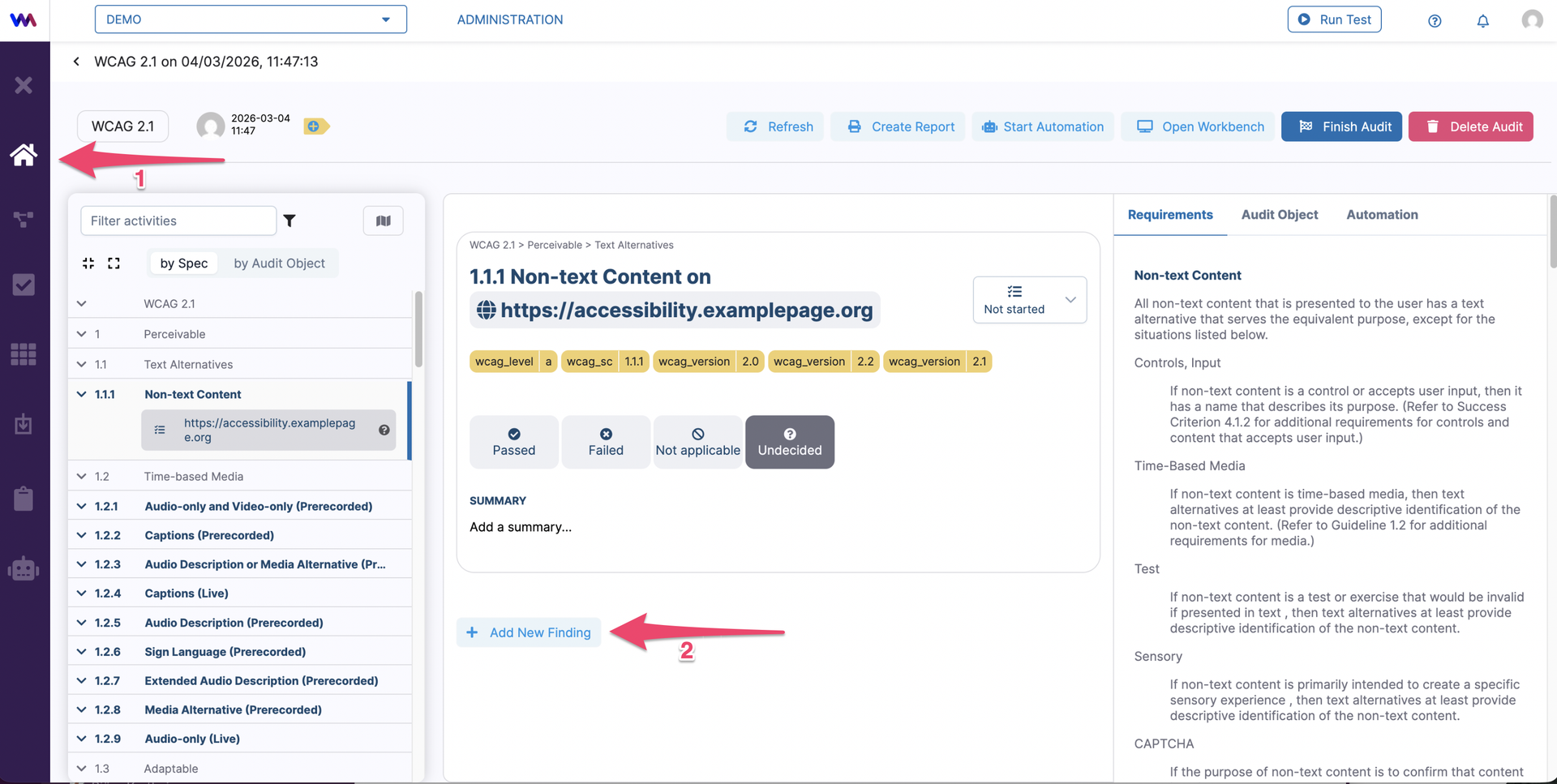
To create a new finding, you have to go to Audit lab tab (1) and click on the Add New Finding (2) button.
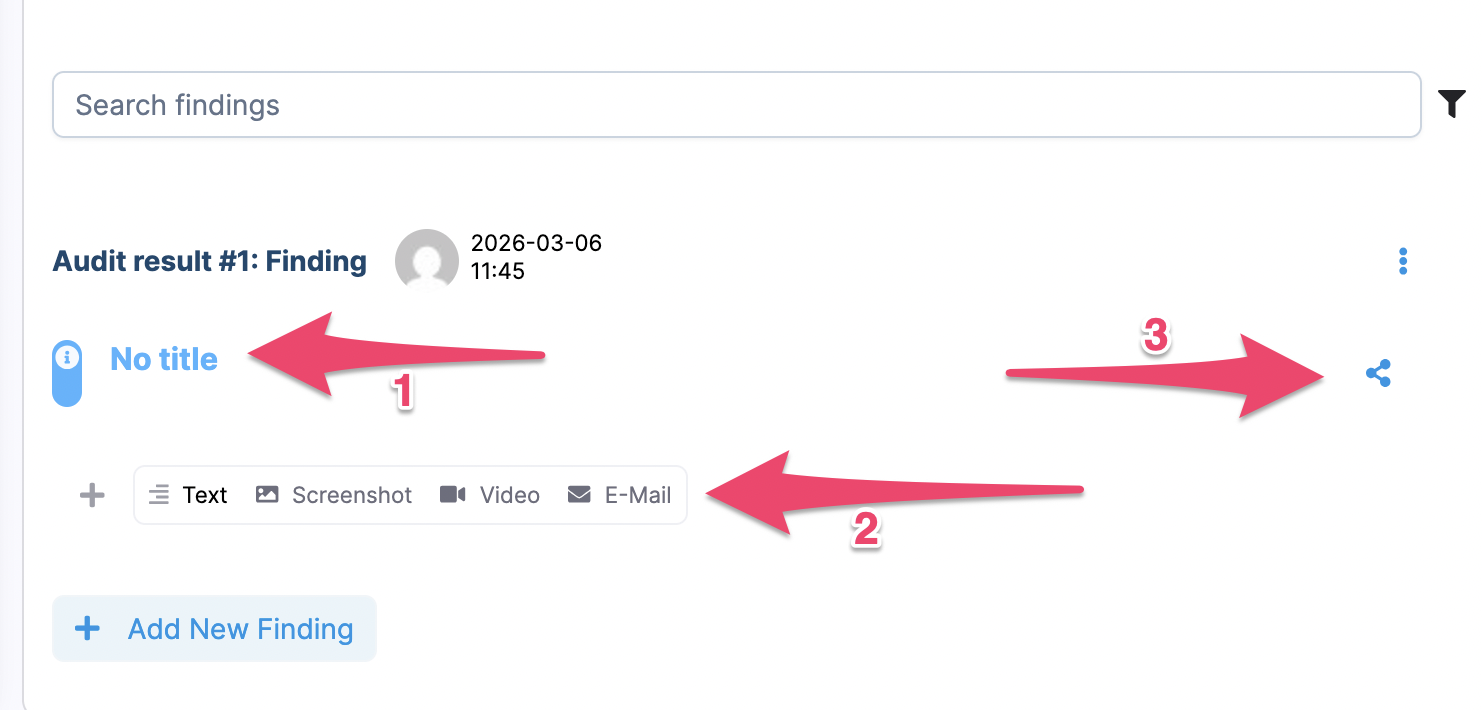
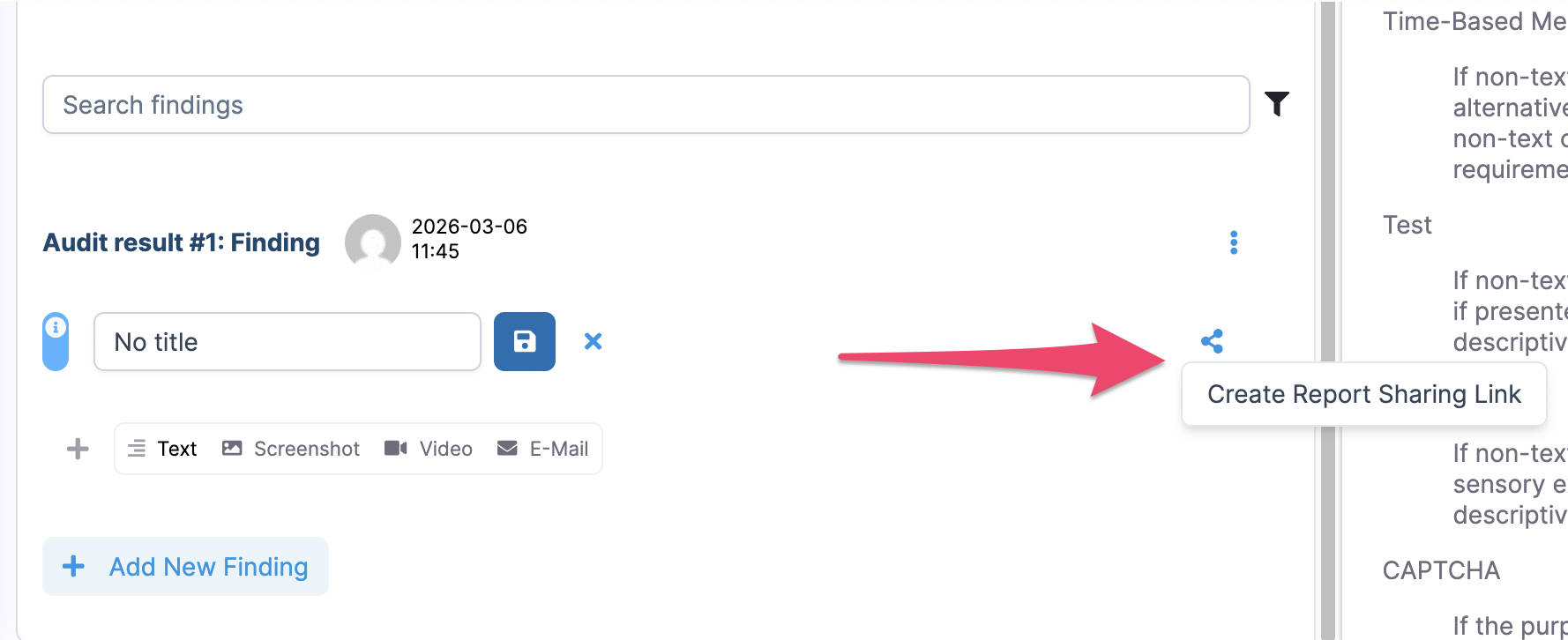
You can edit the finding by changing its title (1), adding an image, a screenshot, a video or an e-mail (2). You can share the added finding by clicking on the share symbol (3). A link gets created, that you can use to share your finding.
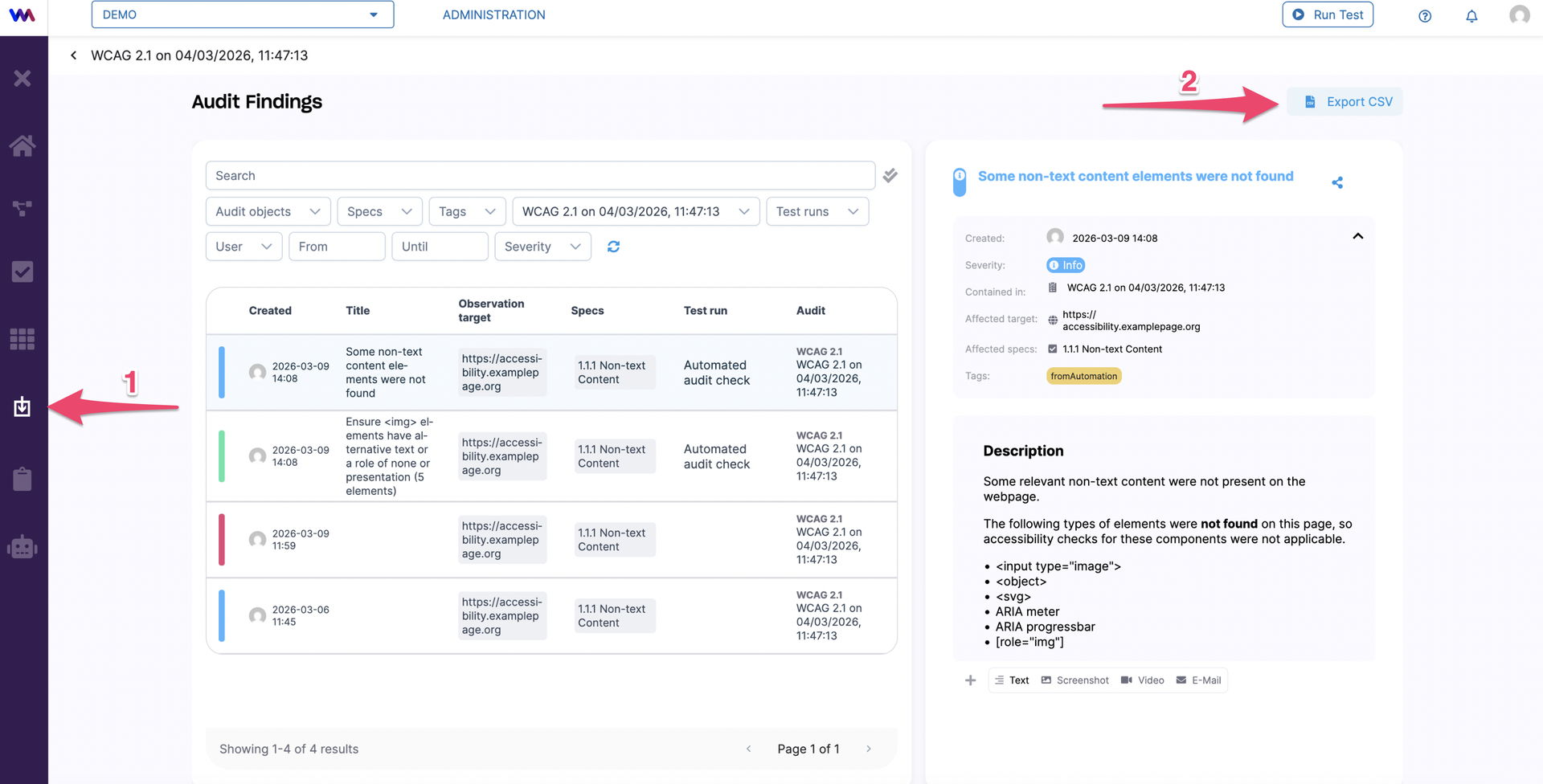
All findings can be found in the Findings tab (1). You can export a CSV containing all findings by clicking on Export CSV (2).