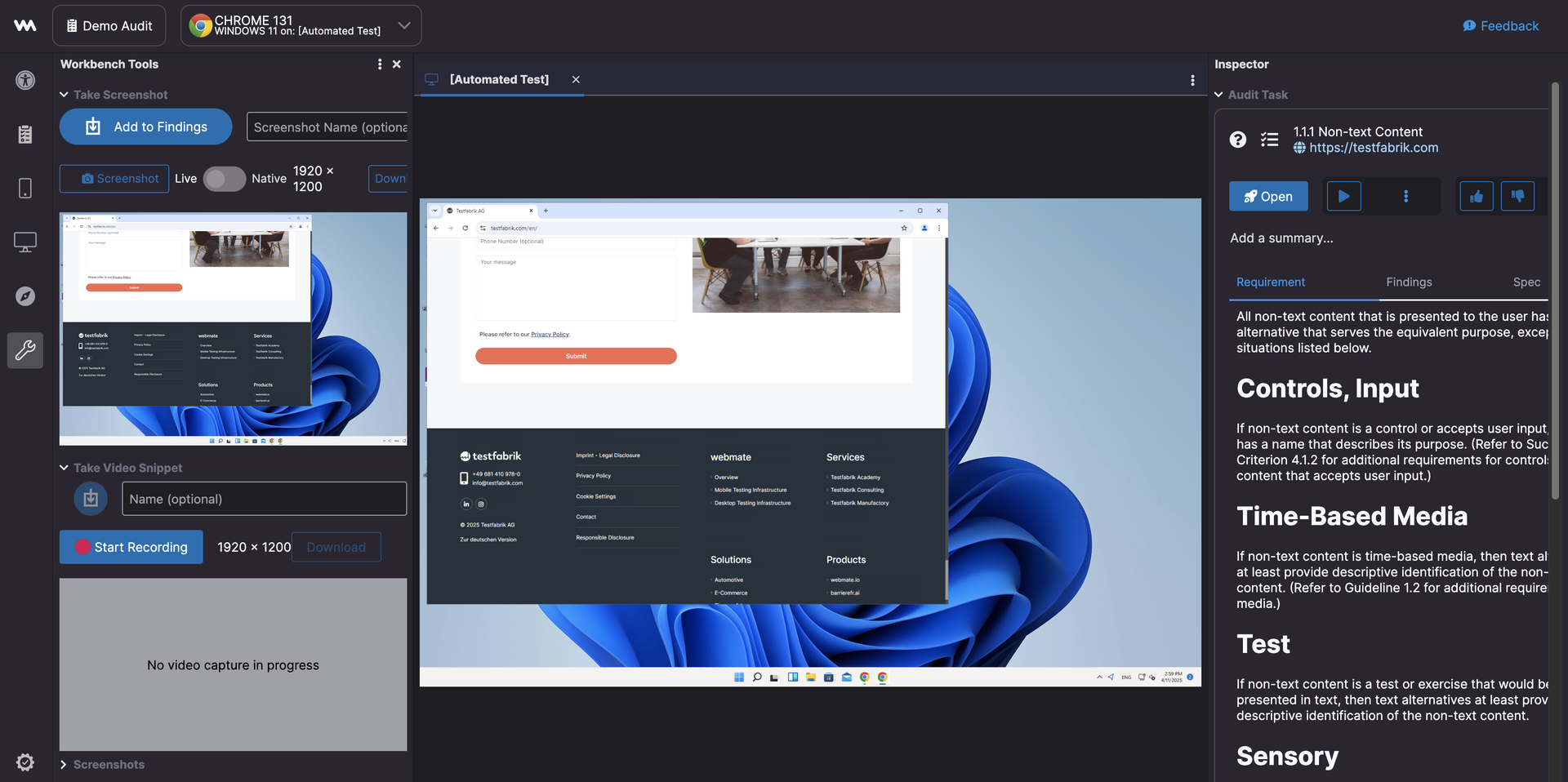
webmate Workbench
Workbench for Audit Lab is a structured environment built to streamline your manual and semi-assisted testing and accessibility workflows.
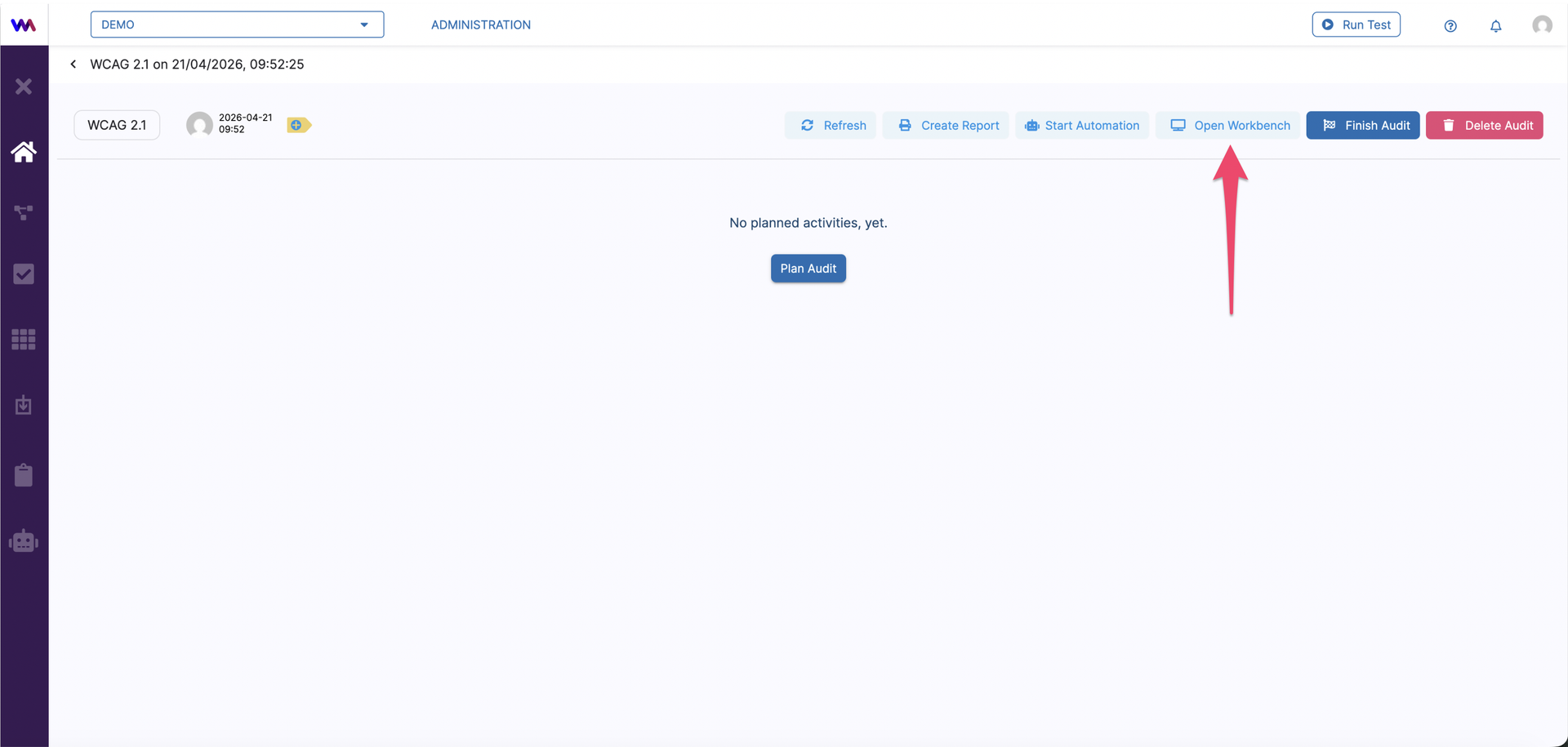
It acts as a dedicated space where you can interact with devices, run analyses and manage results in a clean, organized manner. To access the Workbench, navigate to audit tab and click Open Workbench.
Accessibility tools
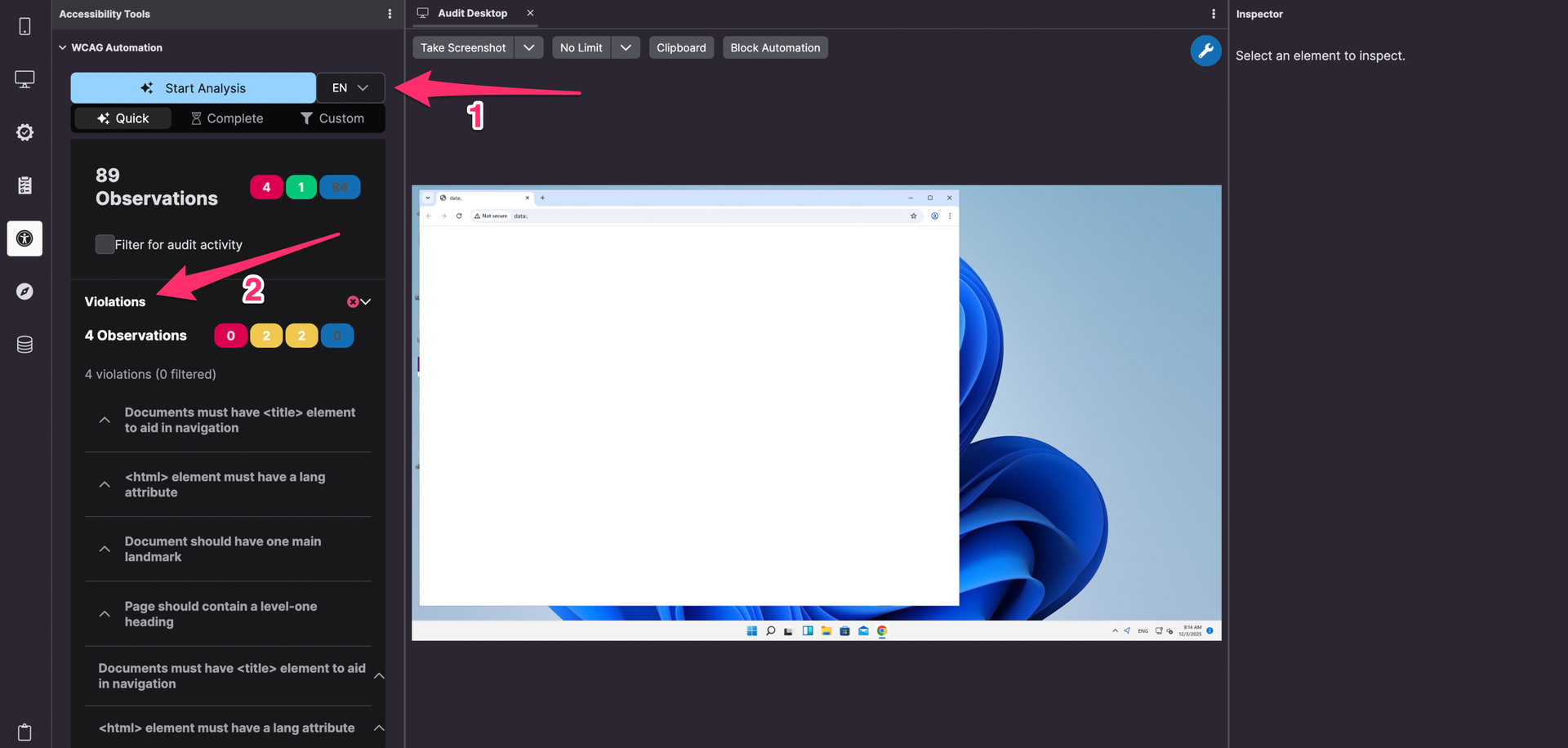
Once you start your session, we can use the Accessibility to quickly uncover potential accessibility issues and evaluate compliance with the Web Content Accessibility Guidelines (WCAG) via WCAG Automation.
A basic analysis provides fast, automated checks to identify common accessibility barriers in digital content, helping teams spot technical issues early and efficiently. A complete analysis builds on the basic analysis by combining automated checks with AI-powered insights. In addition to technical compliance, it evaluates language clarity, readability, and overall comprehensibility—ensuring content is accessible to a broad audience, including users with cognitive disabilities, limited literacy, or non-native language speakers.
The analysis highlights accessibility violations, compliant areas, and non-applicable criteria across structure, content, and presentation. Findings are clearly prioritized using severity levels of Critical, making it easy to focus on what matters most.
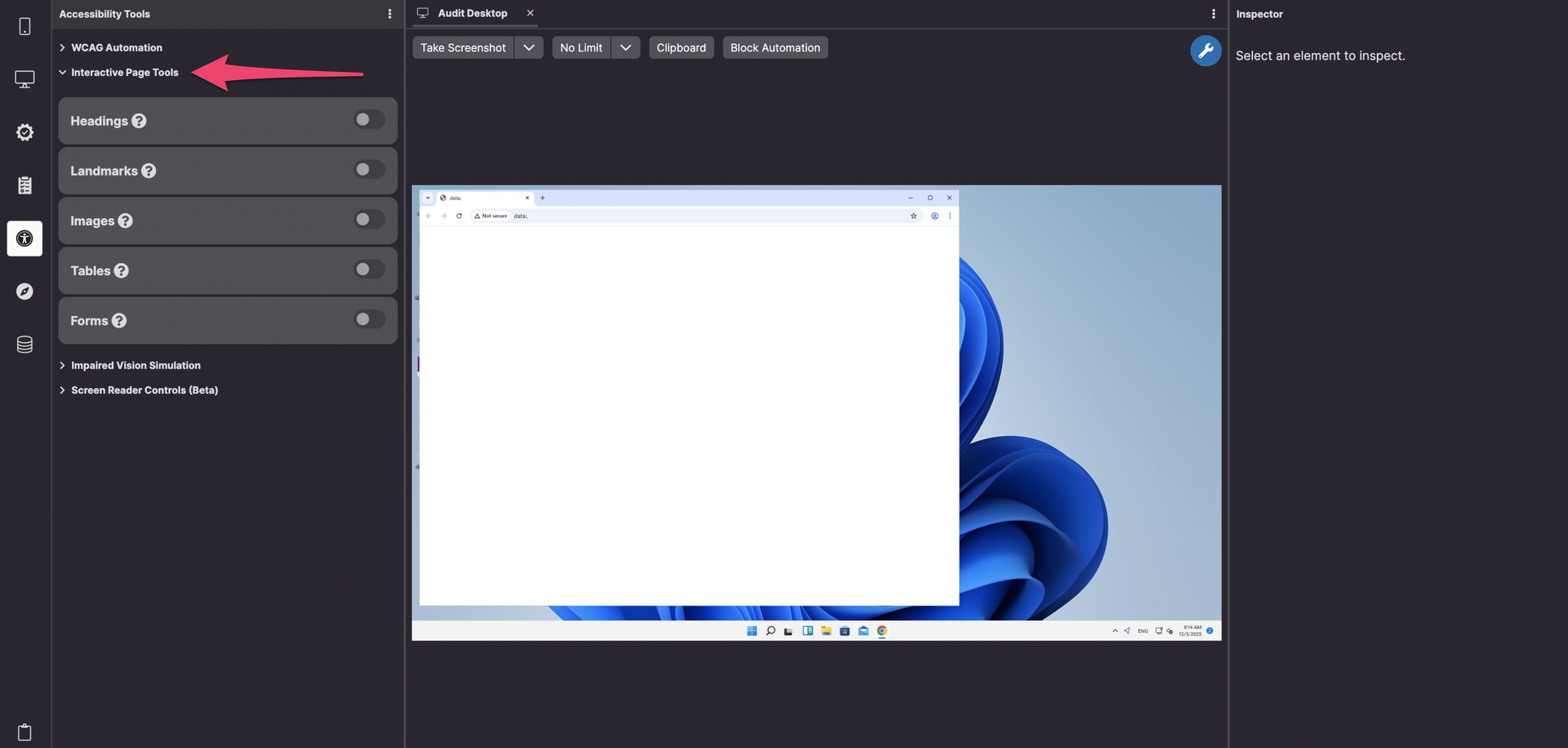
Accessibility tools in workbench give you the ability to interactively test the accessibility of a web page by inspecting heading, landmark, image, table and forms structure via Interactive Page tools.
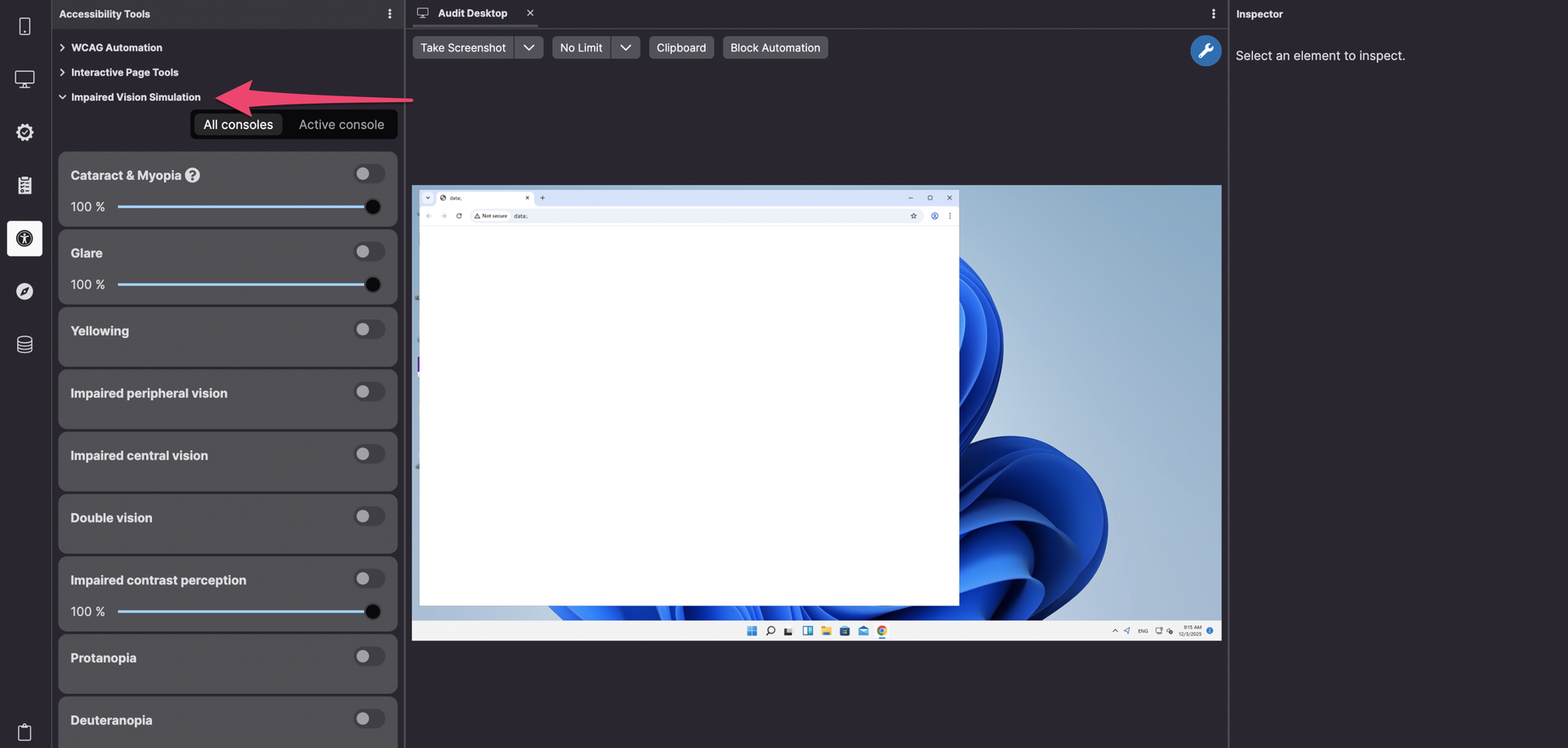
Another tool that helps understanding how users with different types of vision impairments experience your website or app is Impaired vision simulators. It enables simulating various visual disabilities, allowing you to inspect violations for users with conditions like cataract & myopia, glare, yellowing, impaired peripheral vision, impaired central vision, double vision, impaired contrast perception, protanopia, deuteranopia, tritanopia and achromatopsia. Not only you can choose one or more condition simulator at the same time, but you can also adjust in different degrees of impairment based on your testing needs.
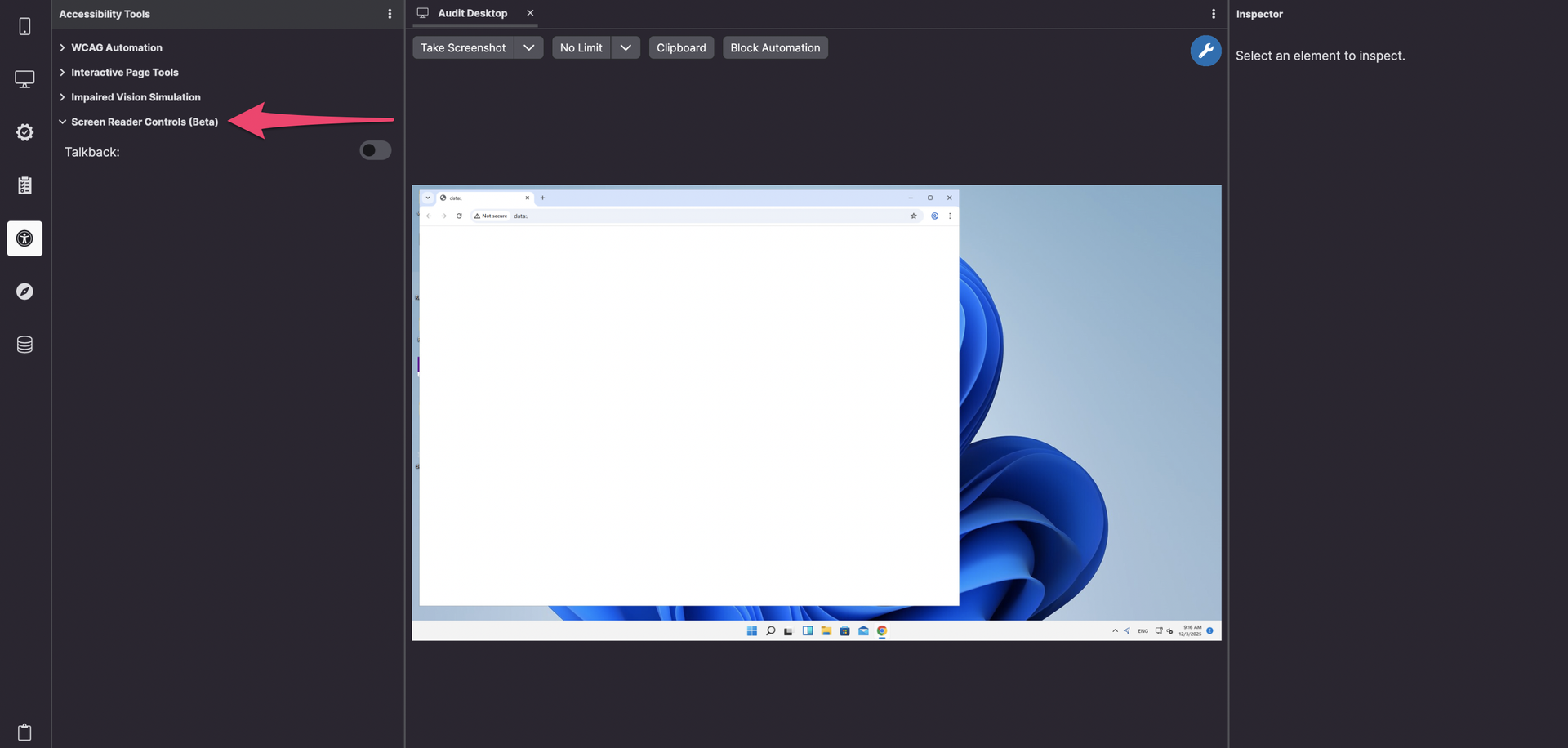
In accessibility tools, Workbench Talkback is also available for Android devices via Screen reader control. With Screen reader control you can test how well a digital interface allows and guides screen readers — assistive tools that convert text and interface elements into speech or braille—to correctly interpret, navigate, and announce content to blind or visually impaired users.
Audit Navigator
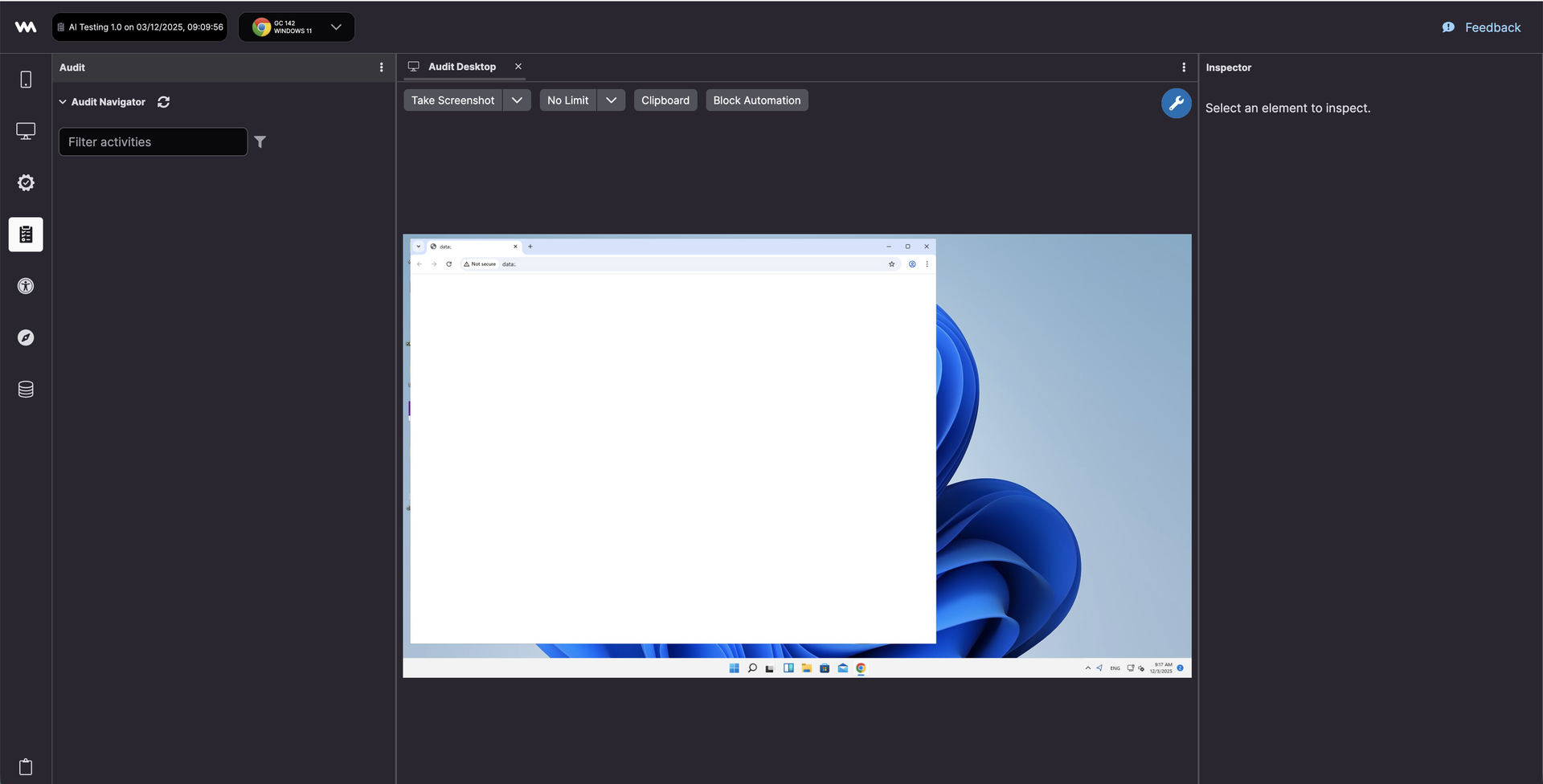
Workbench enables you to step through each requirement from your chosen audit catalogue one by one and navigate to the corresponding object under test with the Audit Navigator tool.
Workbench tools
With Workbench tools you can also take screenshot and video snippets, analyze and annotate them, and add them to your findings. Please refer to the main Workbench article for more general information on what webmate Workbench can help you achieve in testing.