Create Projects
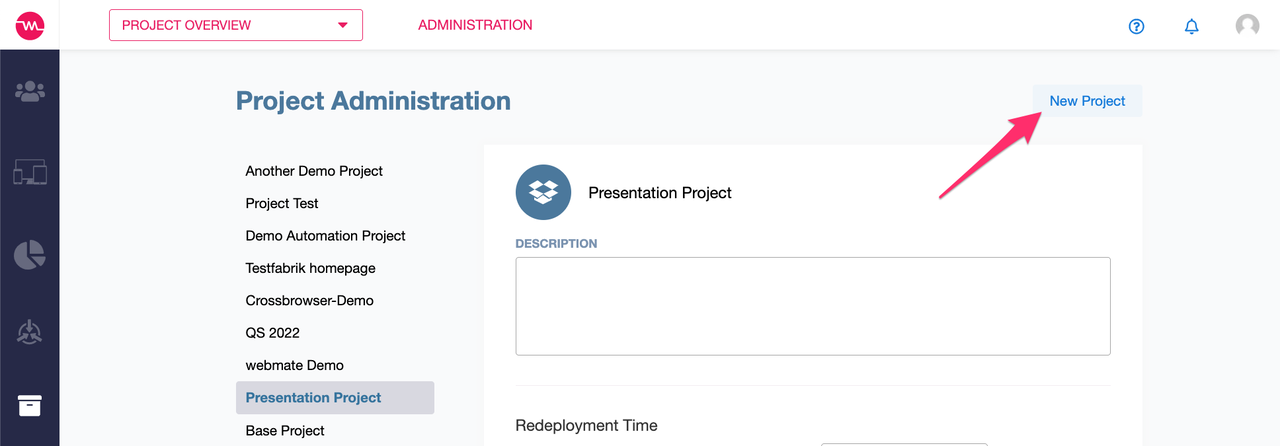
To create a new project in your webmate organization, you have to navigate to the project administration (opens in a new tab) and click on New Project in the upper right corner.
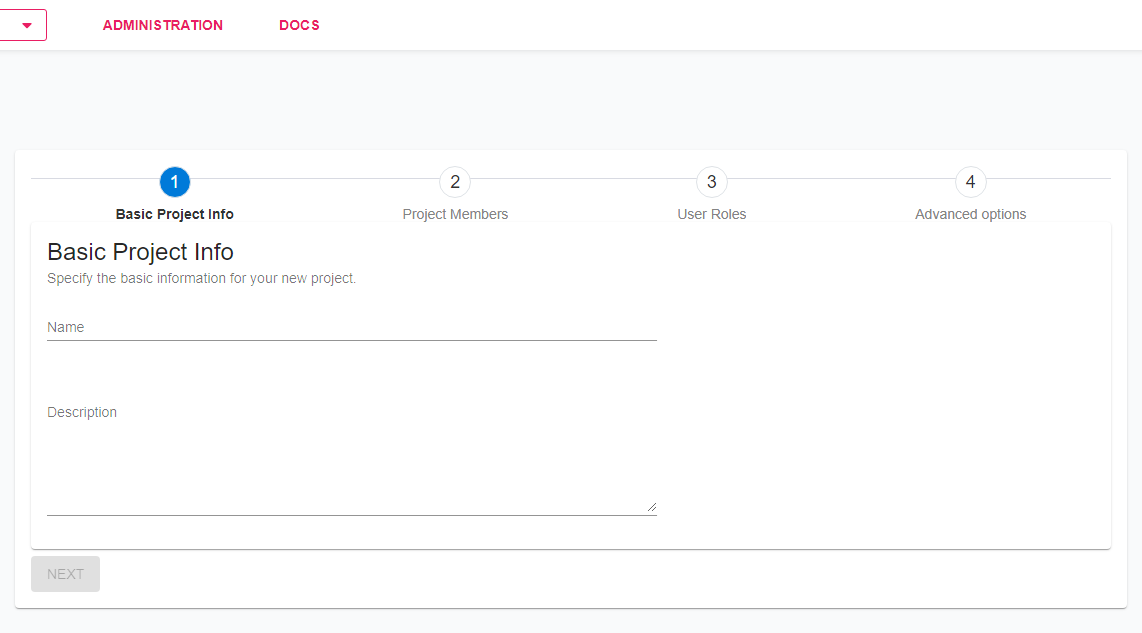
You can specify a name and description for the project.
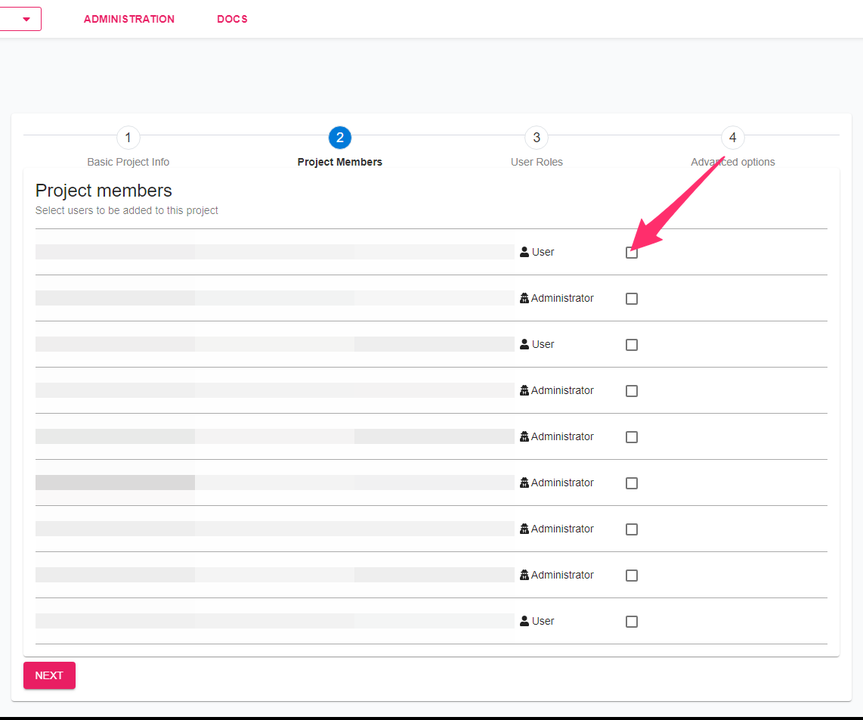
Add users to the project by clicking the checkbox for the users on the right.
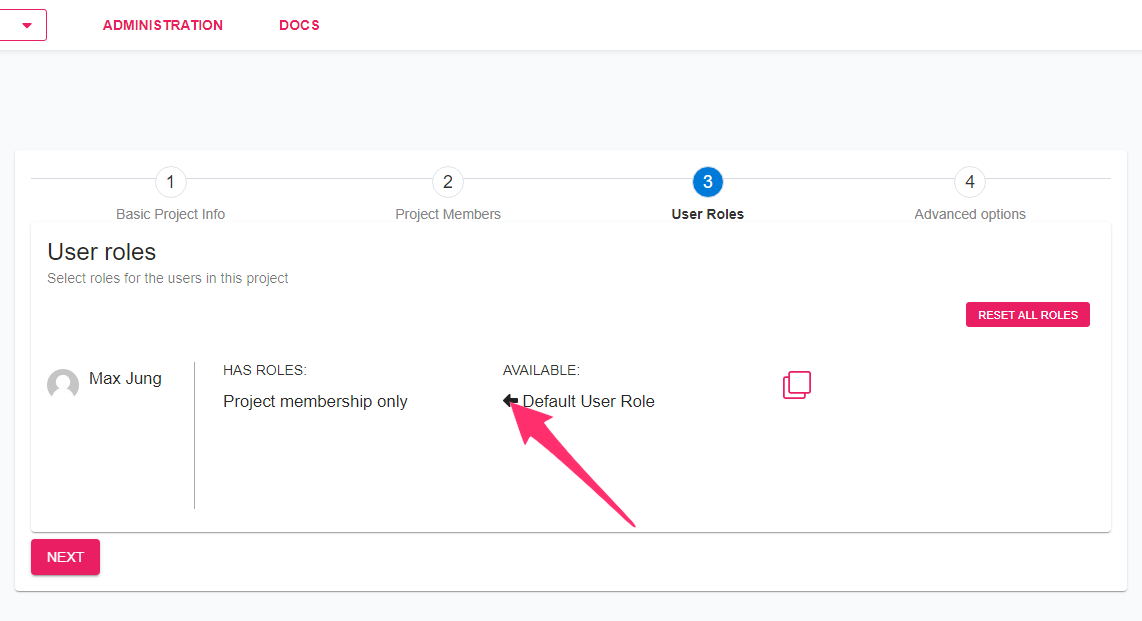
Then you can assign project-specific roles to each user by clicking the arrows.
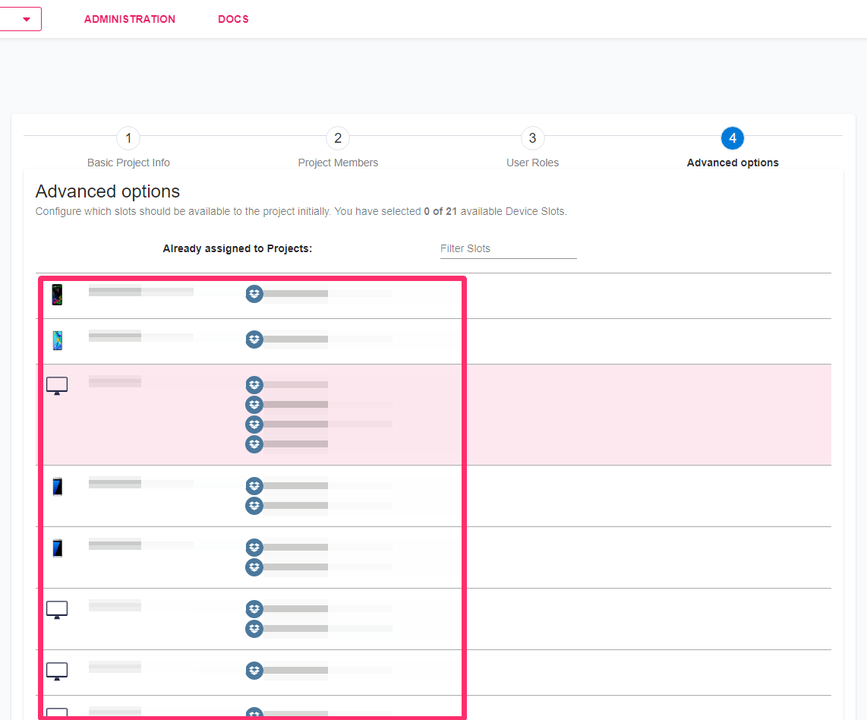
Finally, you can assign device slots to the project by clicking the row in the table. On the left, you see the slot name and on the right all other projects the slots is already assigned to.