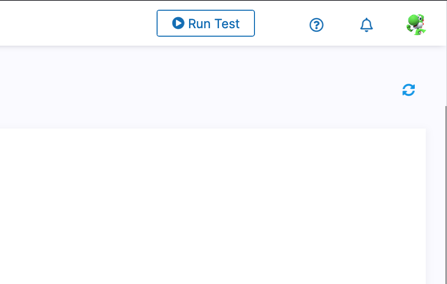
As webmate admin you can send notifications to your users.
To send a new admin notification, click on the bell symbol in the topbar.
This opens the notification area where you can see all your notifications.
Now click on New Admin Message.Now the editor is open. Here you can write your notification by typing in your title and message.
At the bottom over the Send Notification button you can expand the preview.
This preview displays your message like it would appear in the notification area.After everything looks fine you can send the notification by clicking on Send Notification.